Adobe PartnerAdobe ExpertAdobe Fund for Design
Abbas Seyyedi

ABBAS SEYYEDI

Creative tools for Adobe Express, Canva, Premiere Pro & After Effects.

// CREATIVE TOOLS STORYBOARD

ADOBE PARTNER & EXPERT

Official Adobe partner and expert — building add-ons and tools trusted inside Adobe Express and Creative Cloud.

Adobe Partner

Building products inside the Adobe ecosystem

Adobe Expert

Certified expertise across Adobe creative platforms

Express Add-on Developer

14 add-ons published for Adobe Express

Adobe Fund for Design

Adobe Fund for Design

RECIPIENT — ADOBE EXPRESS ADD-ONS

Adobe awarded the Fund for Design in recognition of the add-ons built for Adobe Express — tools for typography, layers, motion, AI, and interactive workflows used by creators worldwide.

  • • Funded development of Express add-ons
  • • Official Adobe design ecosystem recognition
  • • 14 published add-ons on Adobe Express

ADD-ONS

Tools for designers and creators — install in seconds, use every day.

LAYER MANAGER

LAYER MANAGER

WorkflowAdobe Express
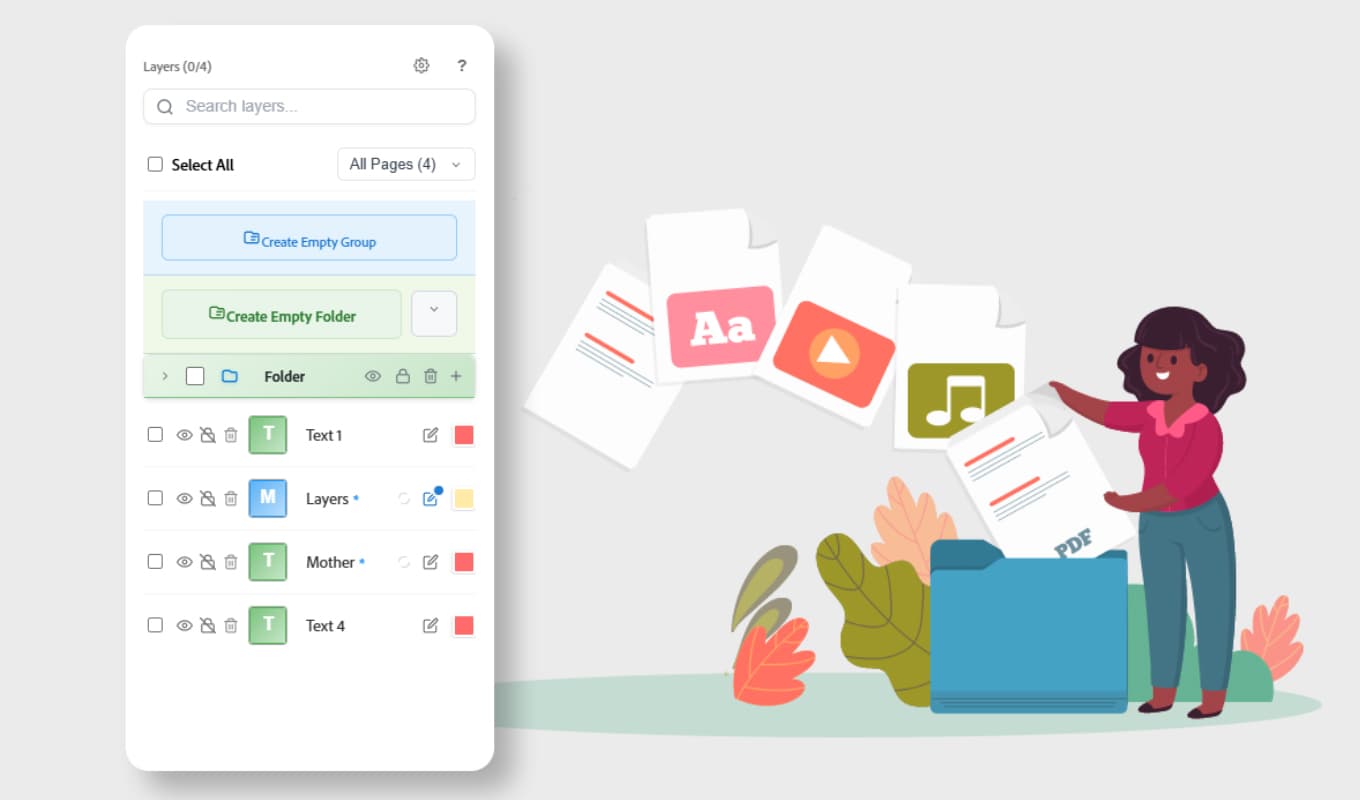
Organize, search, group, and manage layers inside Adobe Express. A full-featured layer panel to speed up your workflow.
Adobe Express
Open in Adobe Express
TEXT BEHIND

TEXT BEHIND

TypographyAdobe Express
Create stunning text-behind-image compositions with AI-powered background removal. One click to a cinematic look.
Adobe Express
Open in Adobe Express
MINI APP BUILDER

MINI APP BUILDER

AI ToolsAdobe Express
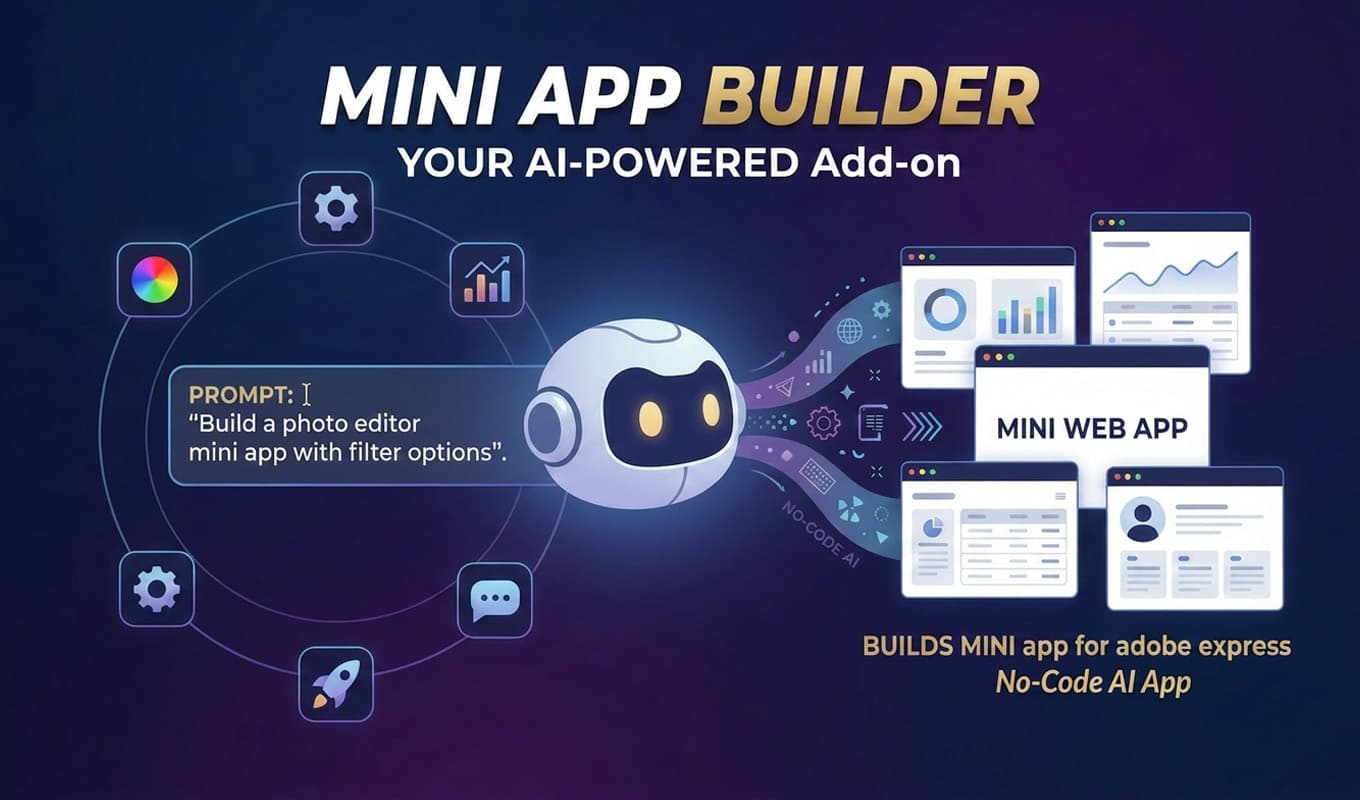
Generate interactive mini apps from a prompt, then preview and embed them directly inside your Adobe Express project.
Adobe Express
Open in Adobe Express
PIXMAGIC

PIXMAGIC

Image EffectsAdobe Express
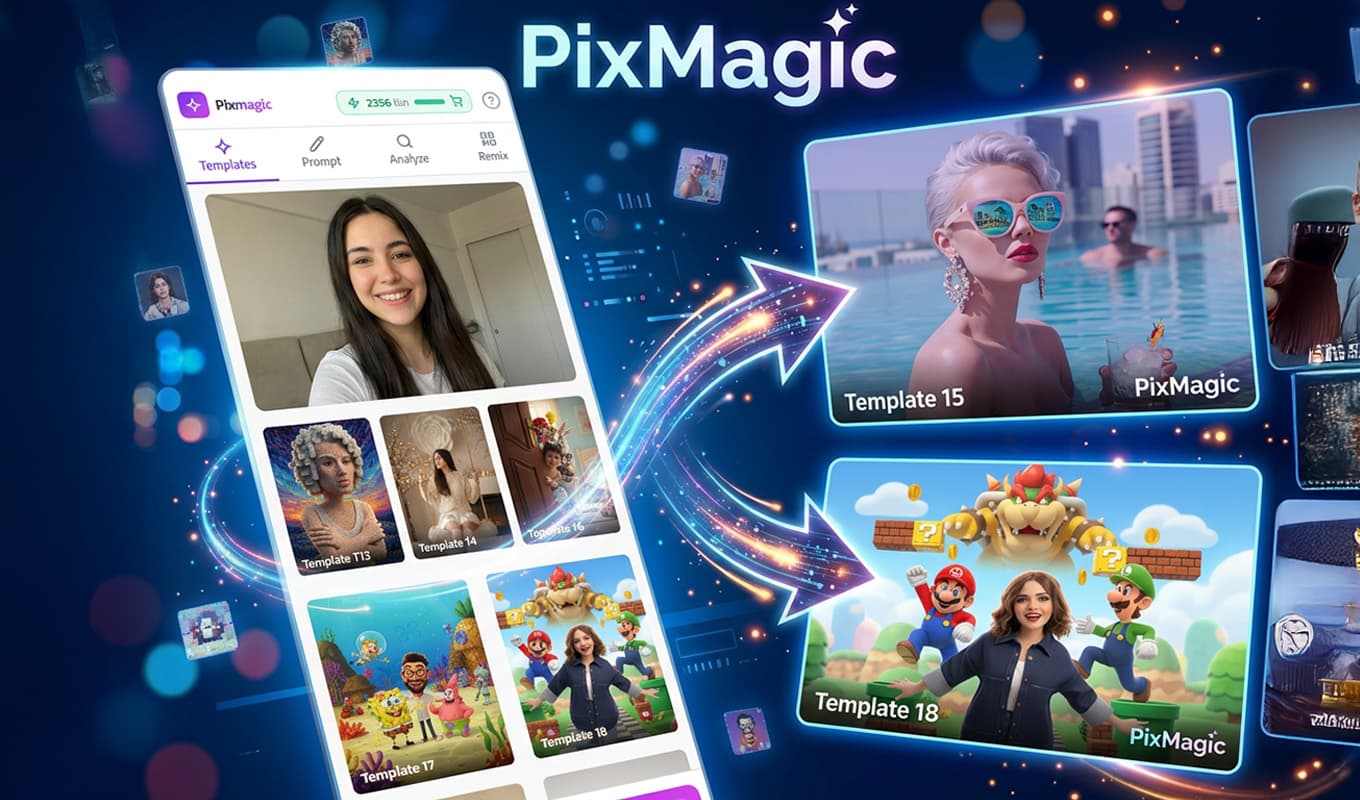
Transform your images with powerful AI-enhanced effects and filters. Professional-quality results with zero friction.
Adobe Express
Open in Adobe Express
LOGO ANIMATOR

LOGO ANIMATOR

AnimationAdobe Express
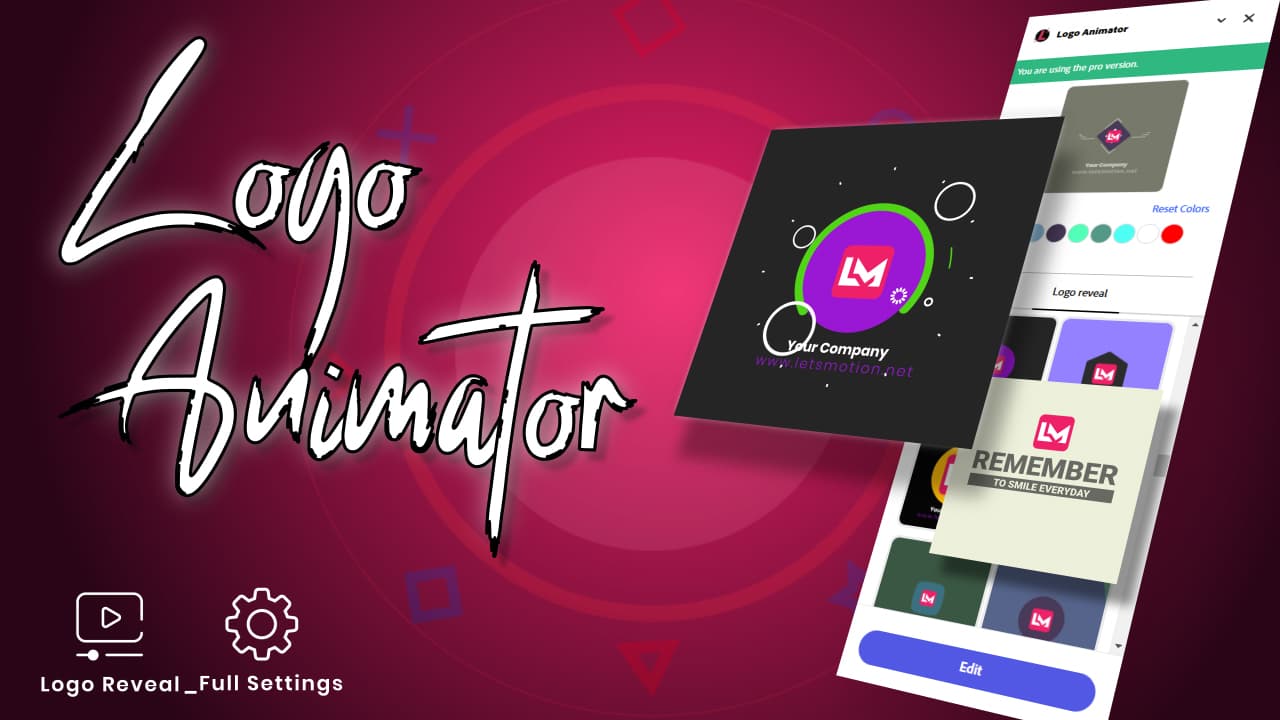
Transform static logos into dynamic, eye-catching animations inside Adobe Express. Multiple styles, instant output.
Adobe Express
Open in Adobe Express
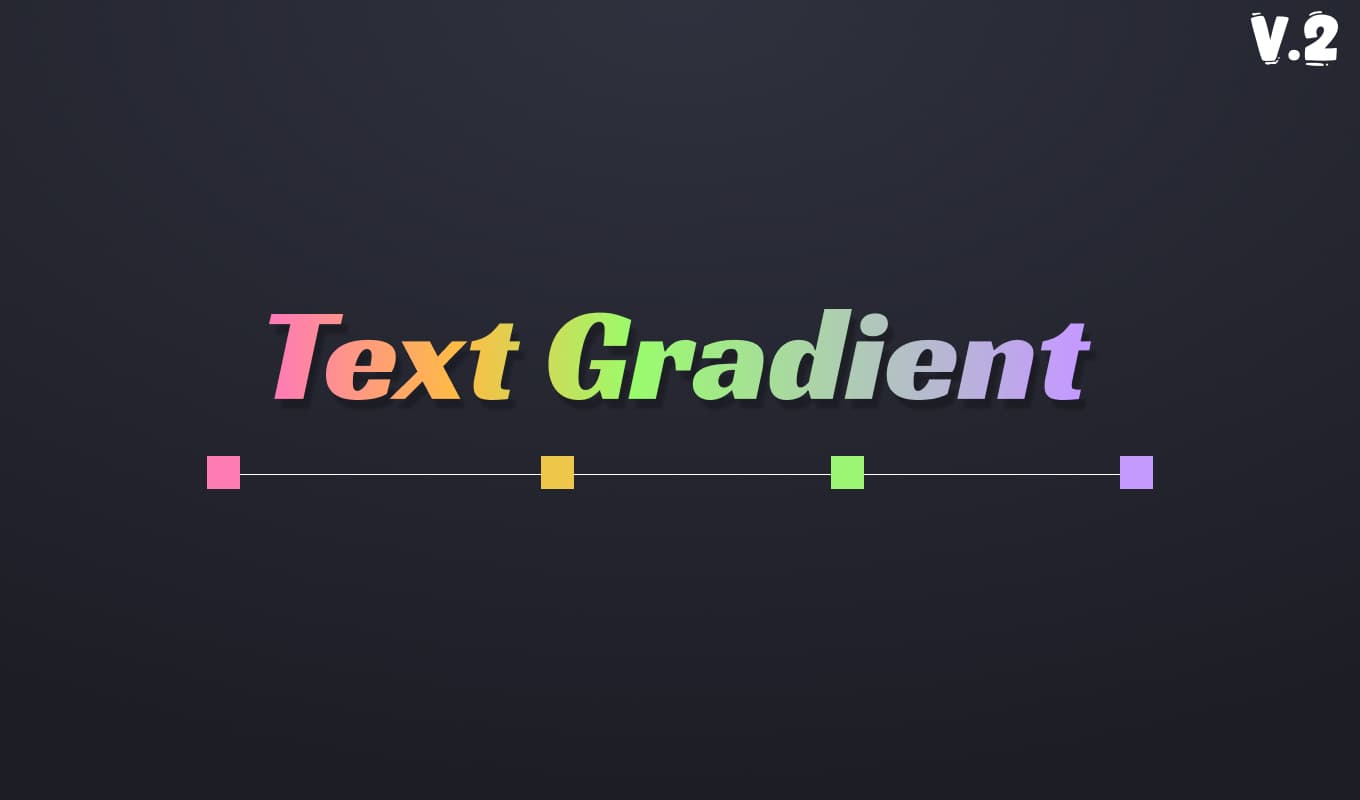
TEXT GRADIENT

TEXT GRADIENT

TypographyAdobe Express
Add beautiful, fully customizable gradient effects to your text. Hundreds of color combinations, applied in one click.
Adobe Express
Open in Adobe Express
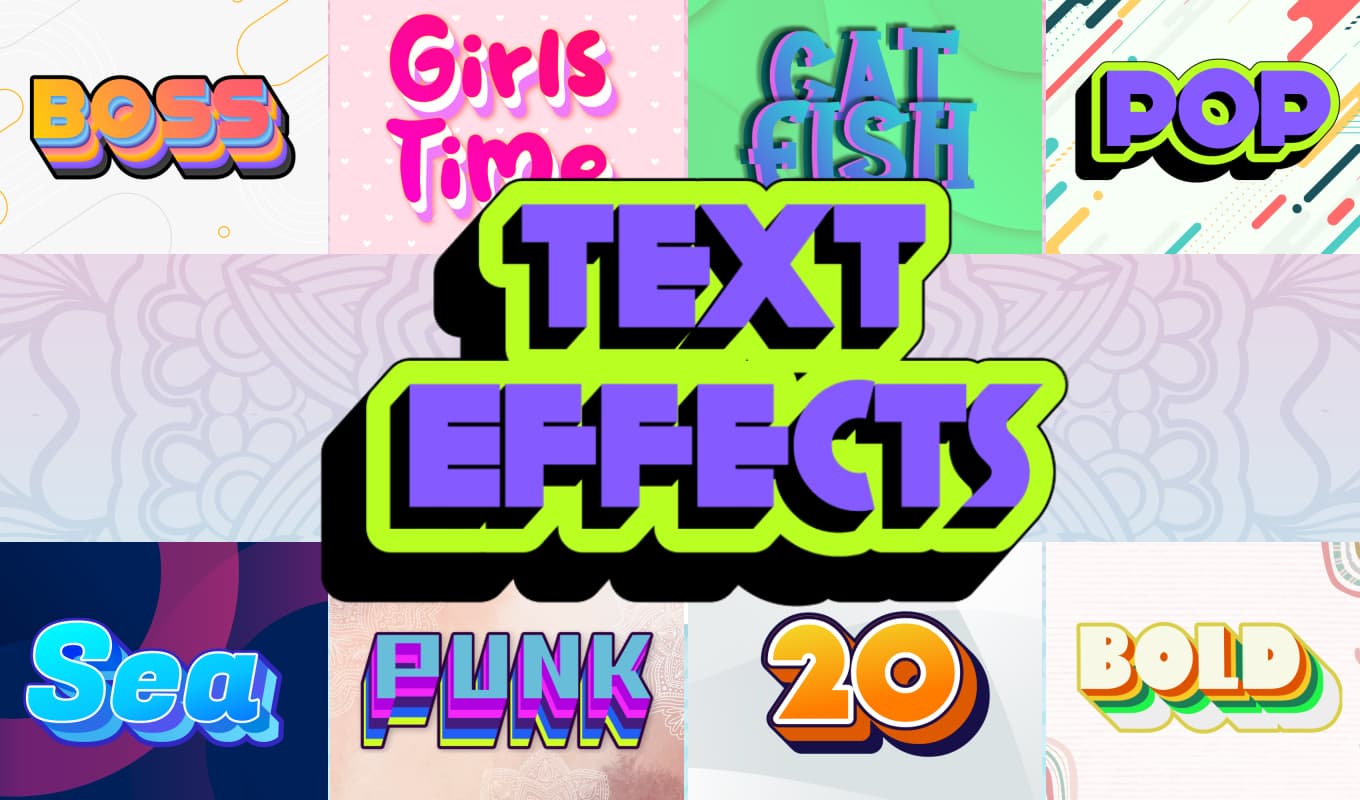
TEXT EFFECT

TEXT EFFECT

TypographyAdobe Express
Apply stunning visual treatments to typography — outlines, shadows, textures, and more. Elevate every headline.
Adobe Express
Open in Adobe Express
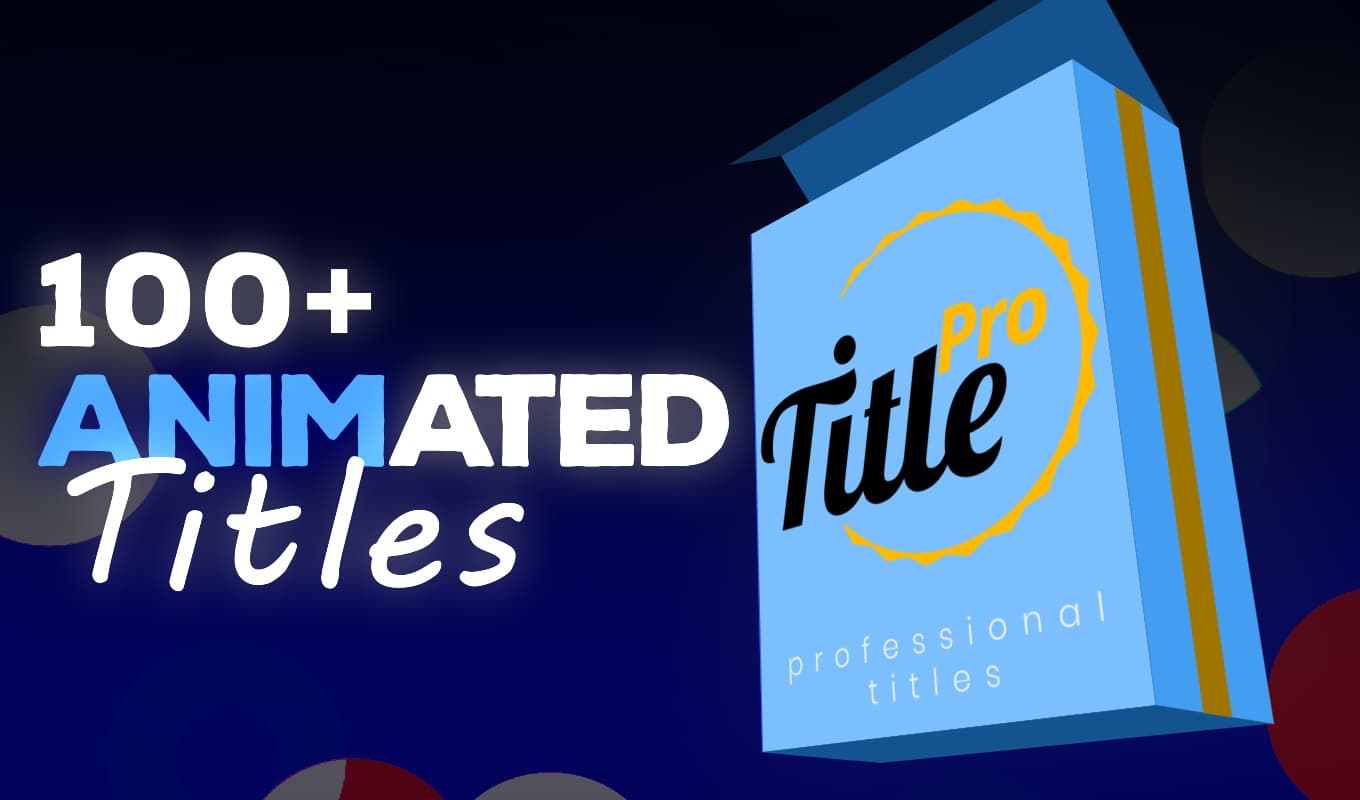
TITLE PRO

TITLE PRO

TypographyAdobe Express
Create polished, professional title cards with advanced styling options. Perfect for presentations and social content.
Adobe Express
Open in Adobe Express
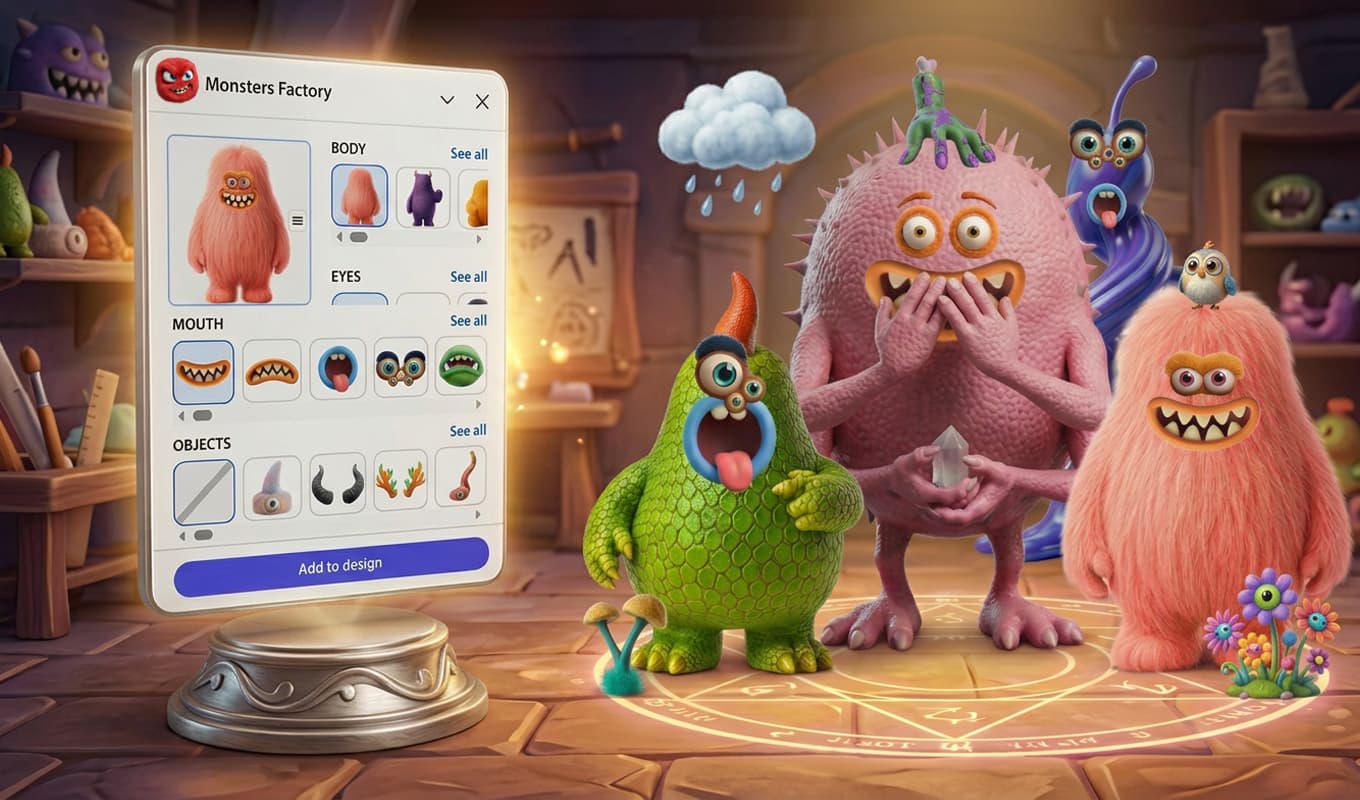
MONSTER FACTORY

MONSTER FACTORY

IllustrationAdobe Express
Build fun, fully customizable monster characters directly inside Adobe Express. Great for branding and social content.
Adobe Express
Open in Adobe Express
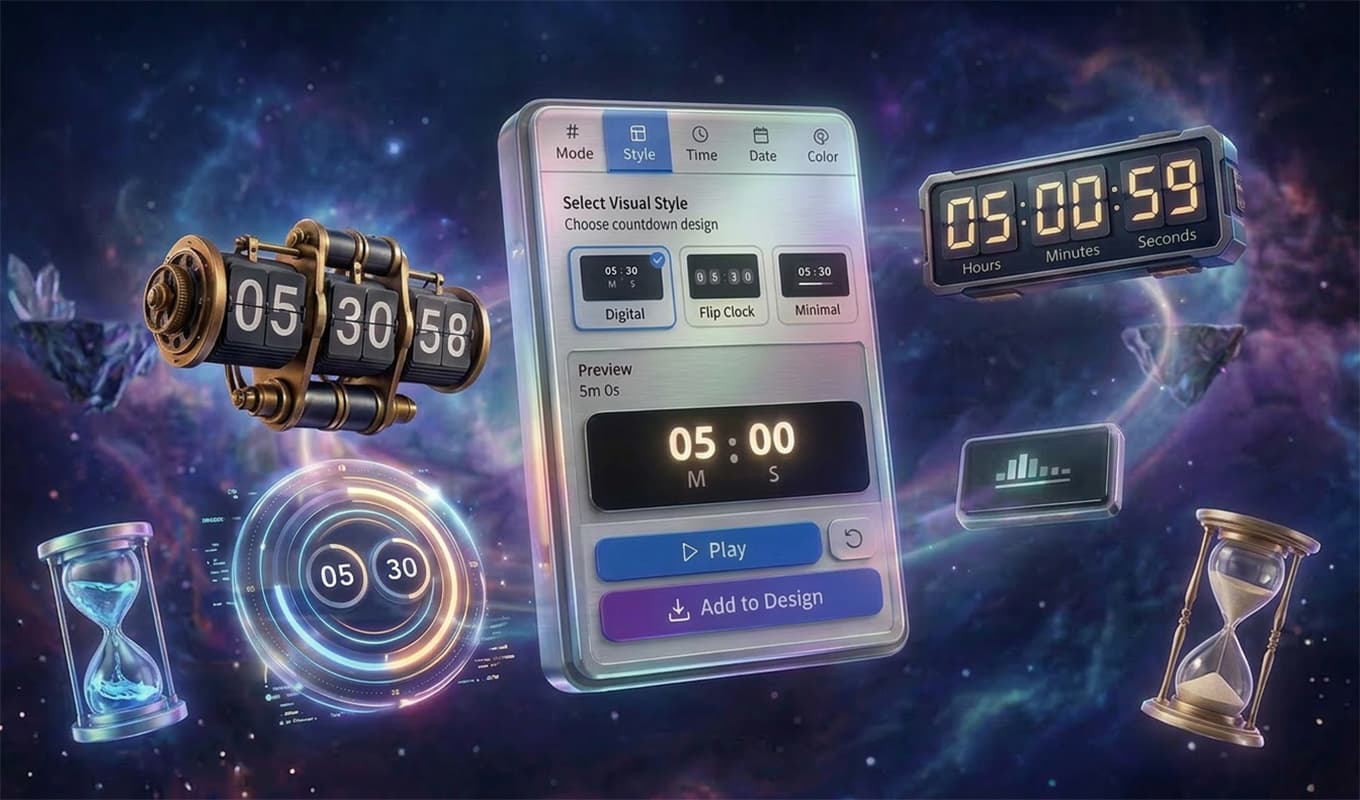
NUMBER COUNTDOWN

NUMBER COUNTDOWN

AnimationAdobe Express
Add animated countdown timers and number animations to your designs. Ideal for promotions, events, and social posts.
Adobe Express
Open in Adobe Express
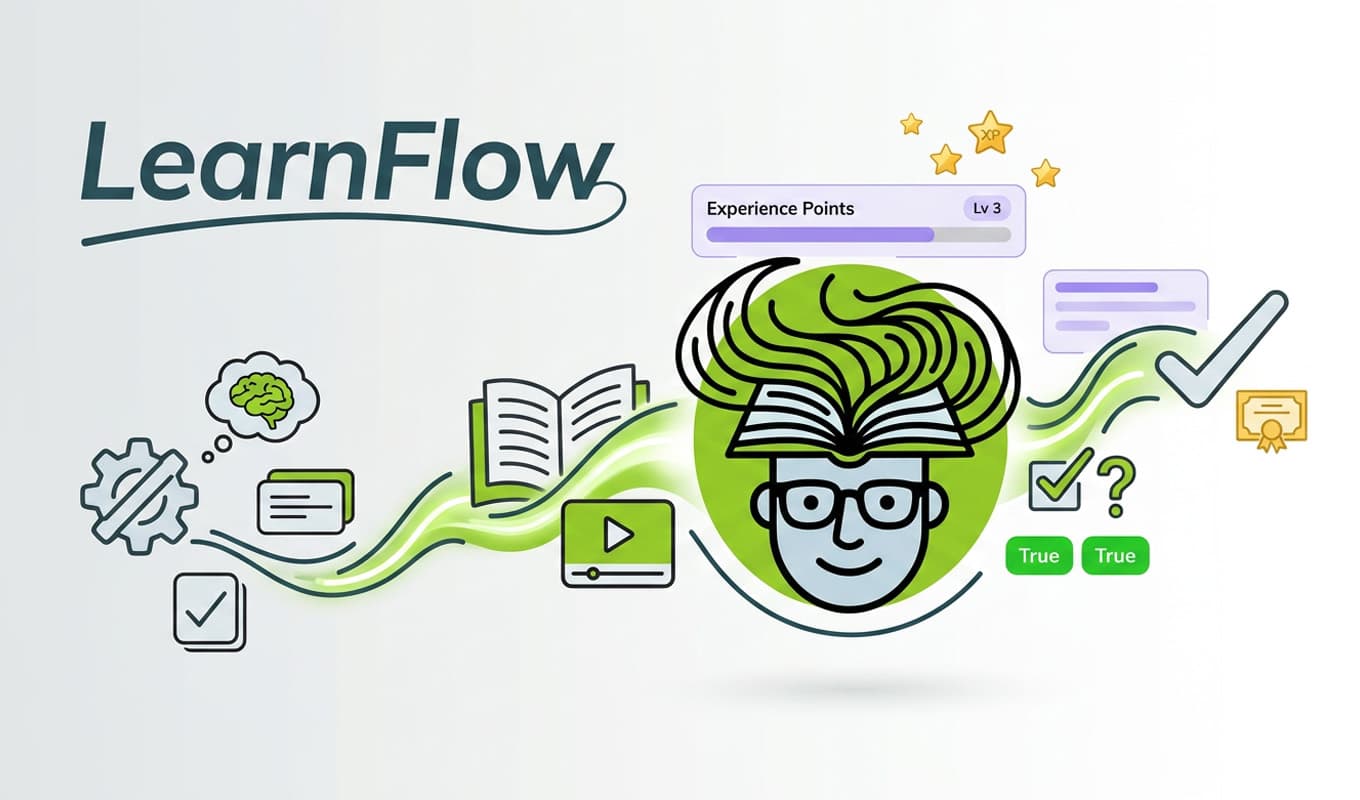
LEARNFLOW

LEARNFLOW

EducationAdobe Express
Create interactive learning experiences and educational content directly inside your Express canvas.
Adobe Express
Open in Adobe Express
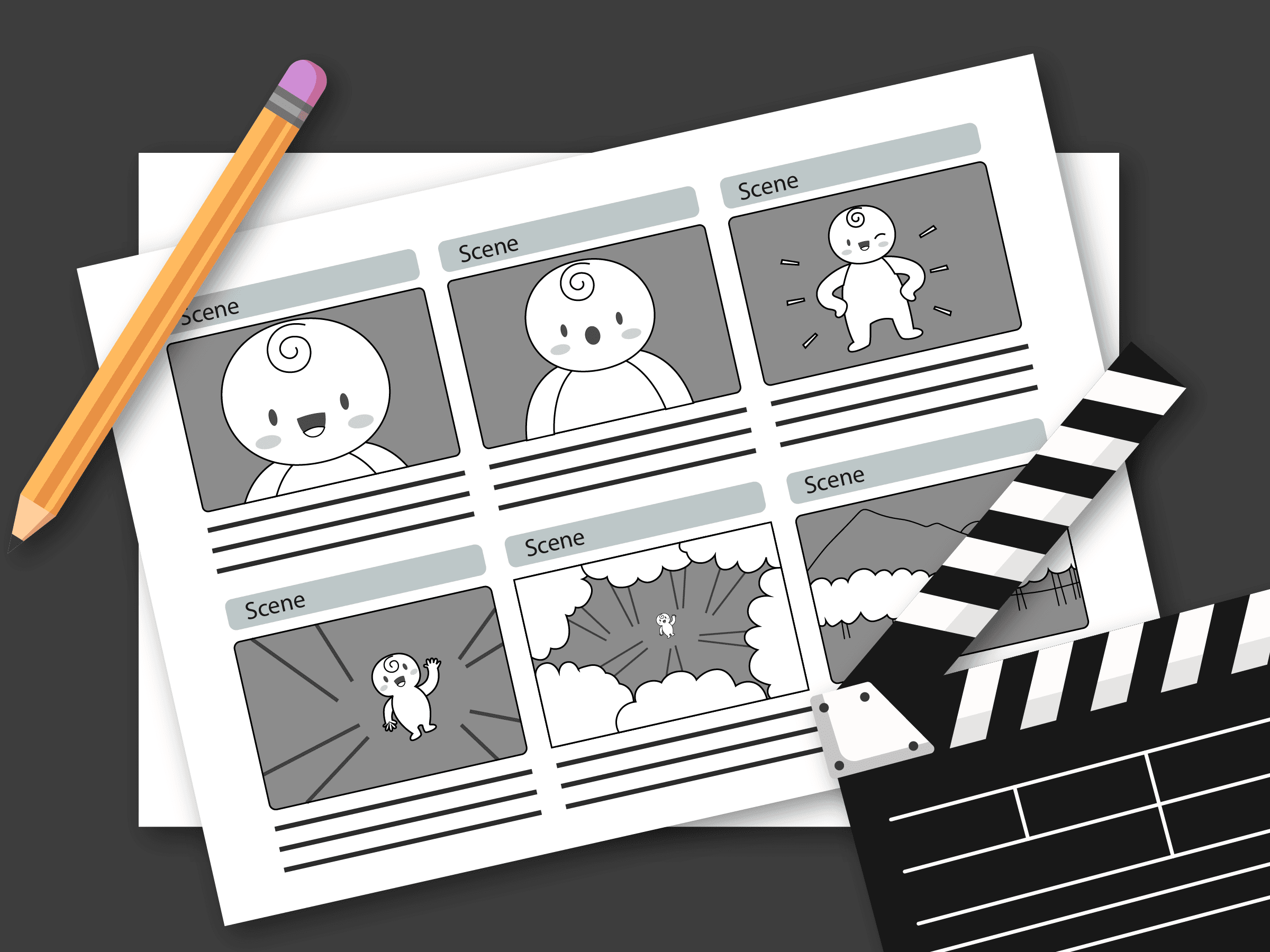
STORYBOARD MAKER

STORYBOARD MAKER

Production PlanningAdobe Express
Plan and visualize your video before you shoot. Add scenes, shot types, notes, and camera details — then export as PDF or share online.
Adobe Express
Open in Adobe Express
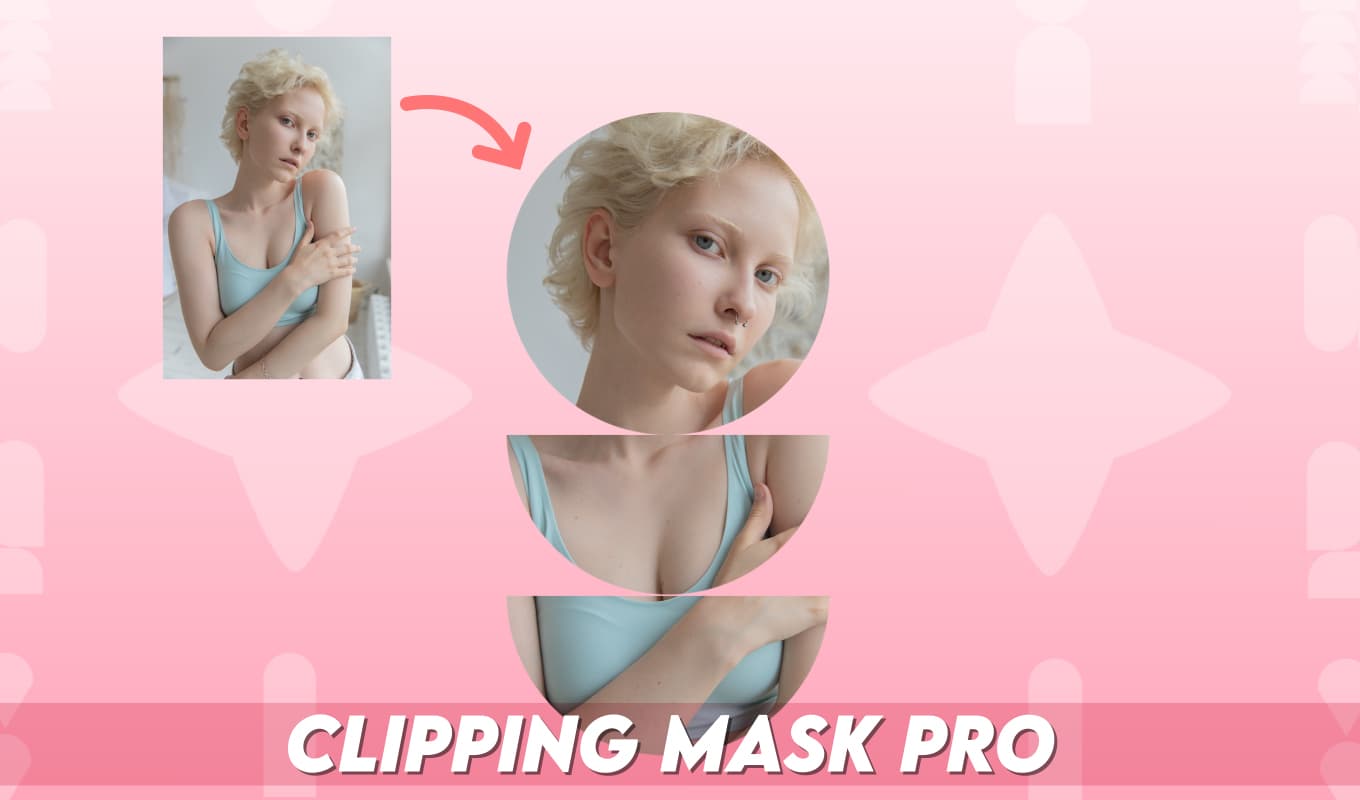
CLIPPING MASK

CLIPPING MASK

Image EffectsAdobe Express
Create clipping mask effects inside Adobe Express. Mask images into shapes and text for polished, professional compositions.
Adobe Express
Open in Adobe Express
YOUTUBE CONNECT

YOUTUBE CONNECT

IntegrationAdobe Express
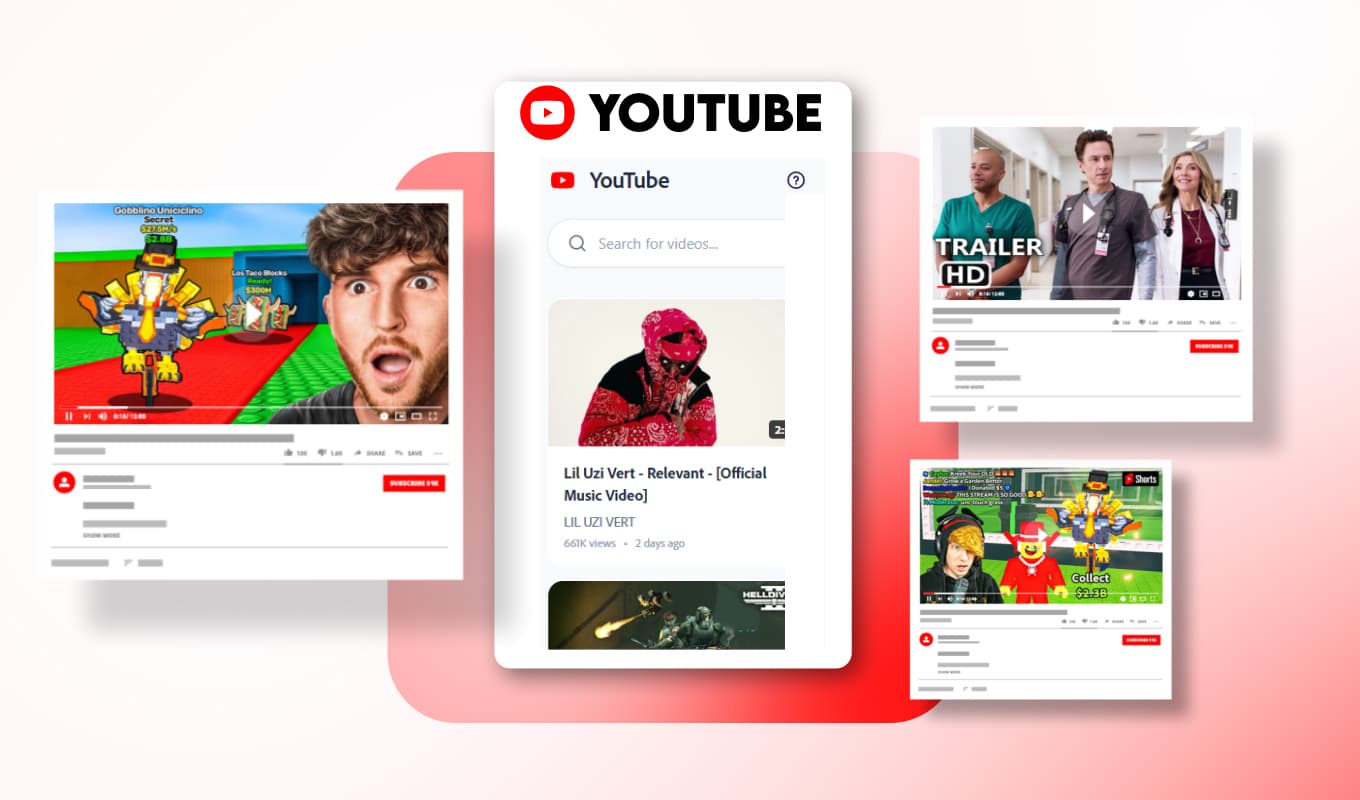
Bring YouTube directly into your Adobe Express workflow. Search, preview, and embed videos without leaving the canvas.
Adobe Express
Open in Adobe Express

WATCH & LEARN

Walkthroughs for Adobe Express add-ons — click a thumbnail to load the video, or open the full post on LinkedIn.

Follow on LinkedIn

Click thumbnail to load video

Click thumbnail to load video

Click thumbnail to load video

Click thumbnail to load video

Click thumbnail to load video

Click thumbnail to load video

Click thumbnail to load video

Click thumbnail to load video

Click thumbnail to load video

Click thumbnail to load video

Click thumbnail to load video

Click thumbnail to load video

Click thumbnail to load video

PLUGINS

Professional plugins for video editors and motion designers.

View all on aescripts.com
SUBTITLE PRO
Text & Captions

SUBTITLE PRO

SubtitlesTranslationAnimation
Create professional animated subtitles inside your timeline
After Effects + Premiere Pro
Get plugin · $50
STOCK SEARCH PRO
Asset Management

STOCK SEARCH PRO

Stock AssetsWorkflowDownload
Find and download free stock assets without leaving Adobe
After Effects + Premiere Pro + Photoshop + Illustrator
Get plugin · $30
COCO COLOR COWORKER
Color Tools

COCO COLOR COWORKER

ColorPalettesAccessibility
Manage color palettes and contrast inside After Effects
After Effects
Get plugin · $50
3D PRESETS FOR ELEMENT 3D
3D & Motion

3D PRESETS FOR ELEMENT 3D

3DElement 3DMotion
Turn text, logos, and objects into stunning 3D animations
After Effects
Get plugin · $50

HELP URL

Complete guide for installation, licensing, trials, support, and frequently asked questions.

Overview

This page is the official Help URL for Abbas Seyyedi / LetsMotion products. It covers installation, licensing, trials, support, and common questions for Adobe Express add-ons and After Effects / Premiere Pro plugins.

Adobe Express add-ons are installed directly from Adobe Express. After Effects and Premiere Pro plugins are purchased and downloaded through aescripts.com.

Installation

Adobe Express add-ons: Open Adobe Express, go to Add-ons, search for the product name, and click Add. You can also use the direct links on this website.

After Effects / Premiere Pro plugins: Purchase or start a free trial on aescripts.com, download the installer (.zxp or .jsxbin depending on product), and install using aescripts ZXP Installer or the method described on the product page.

Make sure your Adobe app version is supported before installing. Compatibility lists are available on each aescripts product page.

License & Usage

Plugins sold on aescripts.com are licensed, not sold. A Single User License allows installation on one computer for one user at a time.

A Floating Server License (where available) allows use on a network with multiple users according to aescripts license terms.

You may not redistribute, resell, sublicense, reverse-engineer, or modify the software unless explicitly permitted in the End User License Agreement (EULA).

Full EULA text is available on each product page on aescripts.com before purchase.

Free Trials

Most After Effects and Premiere Pro plugins include a free trial available directly on aescripts.com. Click 'Free Trial' on the product page to download.

Trial limitations (if any) are listed on the product page. Adobe Express add-ons are free to install from Adobe Express.

Trial licenses are for evaluation only and may have feature or time restrictions depending on the product.

Support

For product support, bug reports, and license questions, email abbas.seyyedi@gmail.com.

Please include your product name, Adobe app version, operating system, and a description of the issue. Screenshots or screen recordings help us resolve problems faster.

For aescripts-specific billing or license retrieval issues, you can also open a support ticket through aescripts.com on the product page.

Refunds & Updates

Purchases made through aescripts.com follow aescripts refund and update policies. Check the product page or contact aescripts support for billing questions.

Product updates are free for existing license holders. Download the latest version from your aescripts account or the product page.

Adobe Express add-ons are distributed through Adobe and follow Adobe's platform policies.

System Requirements

After Effects plugins require a compatible version of Adobe After Effects (2019–2026 depending on product).

Premiere Pro plugins require a compatible version of Adobe Premiere Pro (2019–2026 depending on product).

Particle Pro requires Stardust (sold separately) to be installed. Stock Search Pro works across After Effects, Premiere Pro, Photoshop, and Illustrator.

Internet connection may be required for translation, stock search, and license activation features.

Privacy

Plugins may connect to external services (e.g. translation APIs, stock asset providers, YouTube import) when you use those features. No personal data is collected beyond what is needed for the feature to work.

License activation is handled by aescripts licensing framework. Refer to aescripts.com for their privacy policy.

FAQ

I lost my license key. What do I do?
Retrieve your license from your aescripts account or use the 'How can I retrieve my license code?' FAQ on the product page. If you still need help, email us.
The plugin doesn't appear in After Effects / Premiere Pro.
Restart the Adobe app after installation. Check Window > Extensions (or the product-specific menu) and confirm your app version is supported.
Can I use the plugin on multiple computers?
A Single User License covers one user on one computer at a time. For team or studio use, consider a Floating Server License where available.
How do I update to the latest version?
Download the latest version from aescripts.com or your aescripts account. Reinstall over the existing version — your license will carry over.
Where do Adobe Express add-ons live?
After installing from Adobe Express, add-ons appear in the Add-ons panel inside your Express project. Click the product link on this site to open it directly.

Need help? Contact support

abbas.seyyedi@gmail.com
Abbas Seyyedi

TOOLS FOR PEOPLE WHO MAKE THINGS

I design and build creative tools — products that live inside your working file and quietly make the work better. As an Adobe Partner and Adobe Expert, I ship add-ons for Adobe Express and Canva — typography, layers, motion, AI, and interactive utilities.
I was awarded the Adobe Fund for Design for the add-ons I built for Adobe Express. On the professional video side, my plugins for Premiere Pro and After Effects help editors work faster — from automated subtitles to particle systems, storyboarding, motion presets, and color tools.

Abbas Seyyedi · Designer & Developer